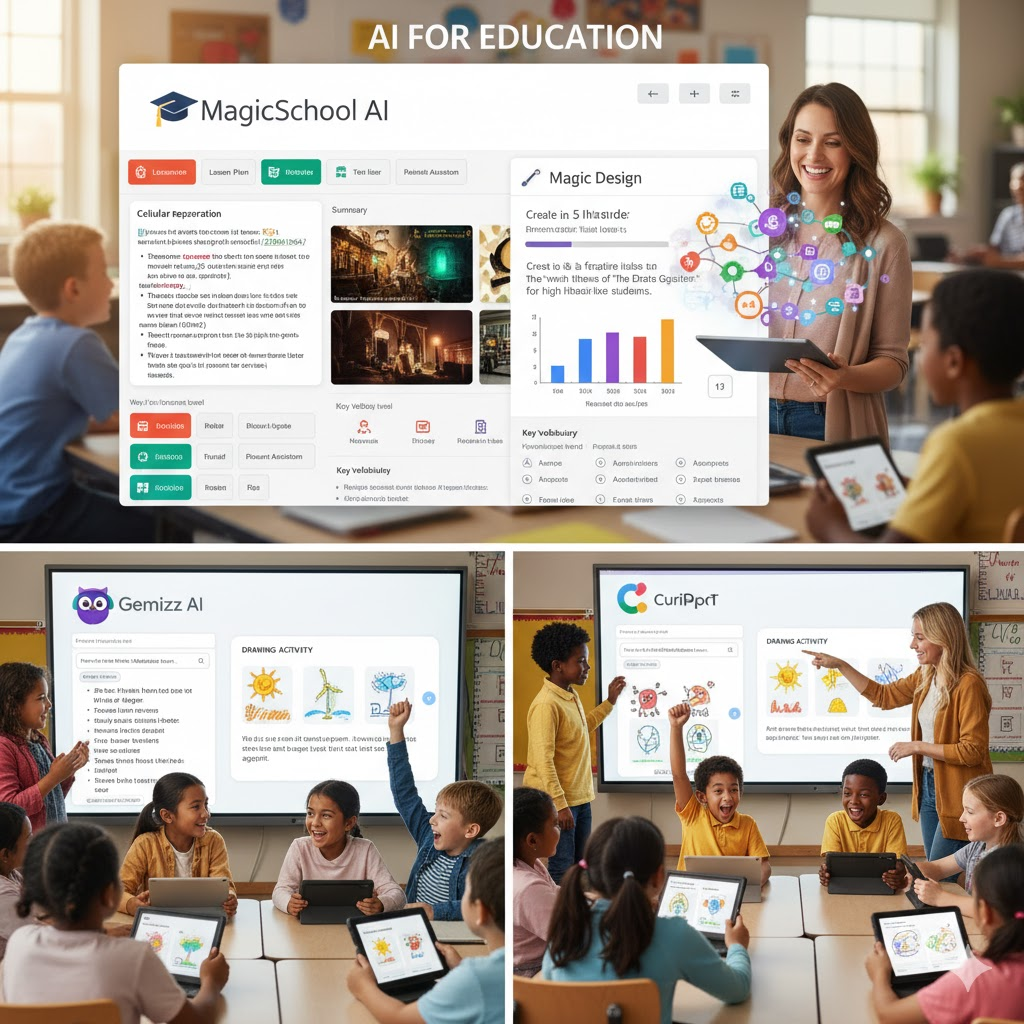
A teacher’s to-do list is endless. Between lesson planning, grading, differentiating for 30 different needs, and answering emails, there’s hardly time left for the work that truly matters—connecting with students.
But what if you had a brilliant assistant who could draft lesson plans, create quizzes, and adapt reading materials for you, all in a matter of seconds?
That’s the promise of Artificial Intelligence (AI) in education. These new tools aren’t here to replace teachers. They’re here to be the most powerful teaching assistants we’ve ever had, helping us reclaim our time and supercharge our creativity.
If you’re curious about where to start, here are six game-changing AI tools that are built for teachers.
1. MagicSchool AI
What it is: Think of this as the Swiss Army knife of AI for educators. MagicSchool AI is a platform loaded with dozens of specific tools designed only for teachers.
Why you’ll love it: It has a tool for everything. Need to create a rubric for a project? There’s a tool for that. Need to generate a lesson plan aligned to a specific standard? It’s in there. Need to write an email to a parent? It can do that, too. It even has tools to help you write IEP-friendly text and generate text-dependent questions. It’s the best all-in-one starting point.
2. Diffit
What it is: A powerful tool designed to differentiate any text or topic for any reading level.
Why you’ll love it: This is a lifesaver for mixed-ability classrooms. You can paste in any text (an article, a story, a textbook chapter) or just give it a topic (like “the water cycle”), and Diffit will instantly generate:
- An adapted reading passage at your chosen grade level (e.g., 3rd grade, 8th grade, etc.).
- A concise summary.
- Key vocabulary words with definitions.
- Multiple-choice and open-ended practice questions.
It takes differentiation tasks that used to take an hour and reduces them to about 30 seconds.
3. Canva Magic Design
What it is: The AI-powered feature suite inside the design tool you probably already use and love.
Why you’ll love it: Canva isn’t just for pretty worksheets anymore. With Magic Design, you can type a simple prompt like, “Create a 5-slide presentation on the main themes of The Great Gatsby for high school students,” and it will generate an entire, beautifully designed presentation for you. It can also generate visuals, rewrite text on your existing designs, and brainstorm ideas, all within the familiar Canva interface.
4. Quizizz AI
What it is: The popular gamified quiz platform, now supercharged with AI.
Why you’ll love it: Stop writing quizzes from scratch. With Quizizz AI, you can upload a document (like a PDF of your lecture notes), paste in a link to a YouTube video, or copy-paste a chunk of text. The AI will “read” or “watch” the content and automatically generate a full, interactive quiz based on it. This is a massive time-saver for formative assessments.
5. Gemini (from Google) or ChatGPT
What it is: A powerful, general-purpose AI chatbot. It’s not specifically for education, but its uses are limitless.
Why you’ll love it: This is your ultimate brainstorming partner. It’s perfect for those “stuck” moments. You can ask it to:
- “Give me 5 creative project ideas for a unit on ancient Egypt.”
- “Explain the concept of ‘irony’ in simple terms I can use with 7th graders.”
- “Draft a positive email to a parent about their student’s recent improvement.”
- “Act as a debate opponent. I will argue for school uniforms. You argue against.”
6. Curipod
What it is: An AI-powered tool for creating highly interactive lessons and presentations.
Why you’ll love it: If you want to make your lessons more engaging and inquiry-based, Curipod is for you. It uses AI to help you instantly create slides with interactive elements like polls, word clouds, open-ended questions, and even “drawing” activities where students can submit their own drawings. It’s fantastic for generating curiosity and getting every student to participate.
Your New Teaching Assistant
The key to using AI is to see it as a tool to handle the 80% of “busy work” so you can focus on the 20% that is uniquely human: building relationships, inspiring students, and providing real, empathetic feedback.
Have you tried any of these tools? What are your favorite AI time-savers? Share your thoughts in the comments below!